Soldering Station vs Soldering Iron: Which Should a Beginner Buy?
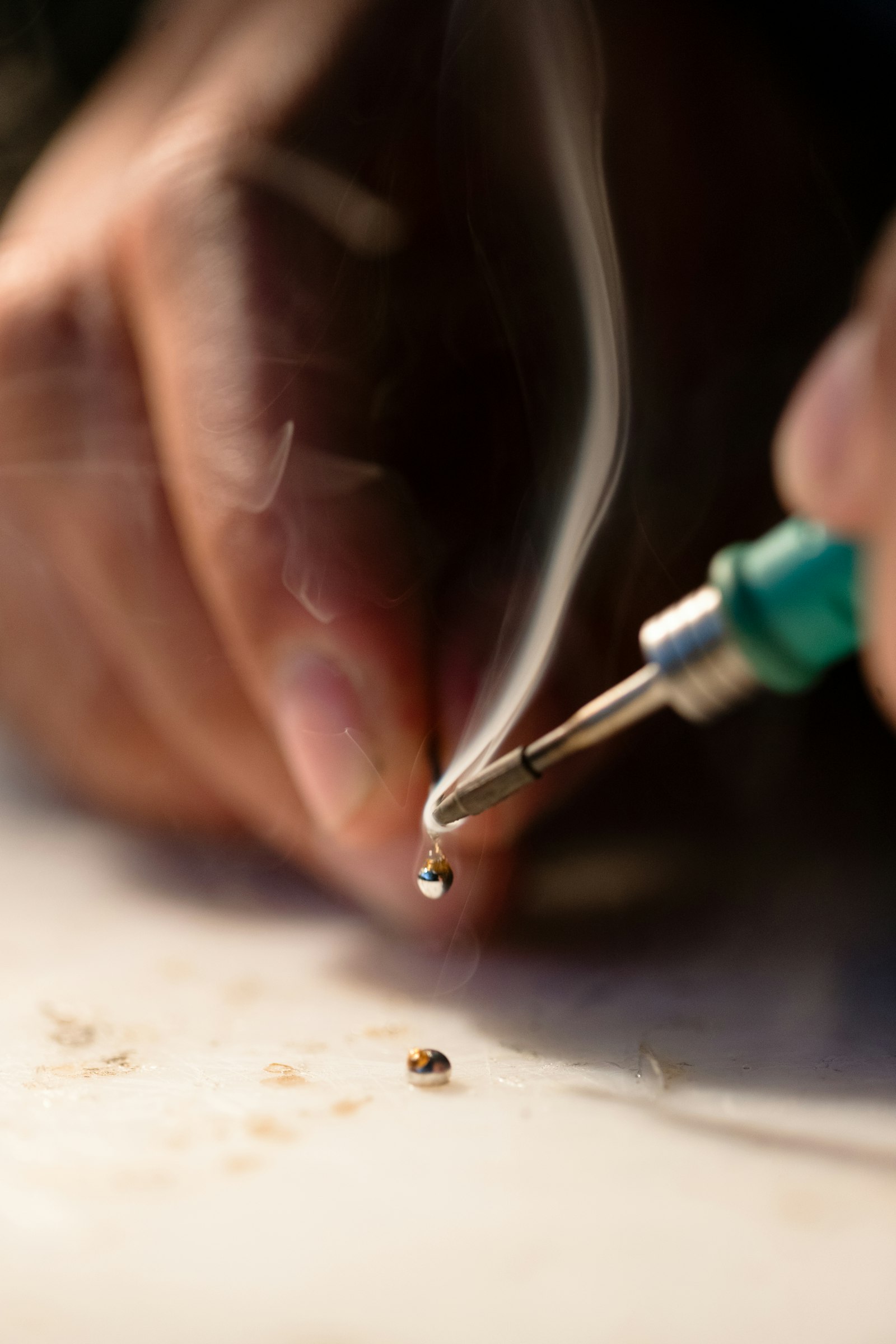
What you're actually buying: pencil iron vs station
A pencil iron is the simplest tool that can melt solder: a plastic handle, a fixed heating element, and a tip, wired straight to a mains plug. There is no thermostat, no display, no feedback loop. The wattage — usually 25 to 30 watts — is set at the factory, and the tip temperature is whatever the element settles at in still air, often 750°F (400°C) or more at idle. They cost $8 to $15, weigh almost nothing, and are sold everywhere from auto-parts counters to checkout-aisle pegboards.
A soldering station splits the job into two parts: a base unit with a transformer and a digital controller, and a slim iron connected by a thin, flexible cord. You dial in a temperature — say 660°F (350°C) — and a PID controller watches a sensor in the tip and feeds power to hold it there within a few degrees, whether the iron is resting in its stand or dumping heat into a chunky ground plane. Most beginner stations are 60 to 75 watts, take interchangeable 900M-series tips, and cost $35 to $60 for the station alone.
Then there is the third option beginners keep asking about: the 2-in-1 hot-air rework station. It is a soldering station with a hot-air gun bolted on — the YIHUA 8786D-I, for example, pairs a 60-watt iron (392–896°F) with a hot-air wand that blows 212–896°F air at up to 120 liters per minute, all in one roughly 700-watt box. That gun is how repair shops lift multi-pin SMD chips and shrink heat-shrink tubing in seconds. It is a real capability, but as a first tool it is a second language you have not started speaking yet.
Why temperature control is the whole game
Solder joints are a thermal transaction. Common 60/40 tin-lead solder melts at 361°F (183°C); lead-free SAC305, the modern default, melts at 422°F (217°C). You work hotter than that — typically 600 to 700°F (315 to 370°C) — because your job is to heat the pad and the component lead, not just melt solder onto a cold surface. A good joint takes two to three seconds: touch, feed, remove. That speed comes from the iron shoving heat into the joint faster than the board wicks it away.
Without control, both failure modes are waiting. Too cool, and the solder never wets the metal — you get grainy, blobby cold joints that fail intermittently, the classic beginner heartbreak. Too hot, and the damage is permanent: lifted copper pads, melted wire insulation, cooked components, and tips that oxidize black within days because the iron idles at 800°F between joints. Cheap pencil irons live at the mercy of thermal mass: touch a big ground plane or a connector shell and the tip temperature collapses, because 25 watts cannot replace the heat as fast as the joint steals it. A PID station simply pours in more power and recovers in a second or two.
There is also a cost-of-learning argument. A $10 iron plus three packs of replacement tips you burn through in a month is already half the price of the $40 station that would have made your first fifty joints easier. Worse, bad tools teach bad habits: holding the iron on a joint for ten seconds while you wait for the solder to flow is exactly how beginners destroy pads and learn to fear the tool. A station removes the guesswork, so your practice time builds skill instead of frustration.
Head to head: the three options compared
Here is the same information in one glance — the trade-offs that actually decide the purchase:
| Pencil iron | Soldering station | 2-in-1 hot air + station | |
|---|---|---|---|
| Typical price | $8–$15 | $35–$60 | $75–$90 |
| Power | 25–30 W, fixed | 60–75 W, regulated | 60 W iron + ~700 W hot air |
| Temperature control | None — just “hot” | Digital PID, 194–896°F | Dual PID; hot air 212–896°F |
| Tip system | Fixed or rare replacements | Interchangeable 900M tips | 900M tips + hot-air nozzles |
| Recovery on big joints | Slow — cold joints | Fast — 1 to 2 seconds | Fast |
| Handles SMD / heat-shrink | No | No | Yes |
| Best for | One-off emergency use | Beginners learning electronics | Board repair, phones, rework |
| Verdict | Skip | Buy this | Upgrade later |
The table hides one nuance worth stating: wattage is not the score. A 60-watt pencil iron is not “better” than a 60-watt station — without a controller, extra watts just mean a hotter idle temperature and faster tip destruction. What you are paying for in a station is the sensor and the feedback loop, not the watts.
Who should buy what
For roughly nine out of ten beginners, the answer is the station. If your plans include Arduino kits, through-hole practice boards, JST connectors, wire splices, or fixing a headphone cable, a $35–$50 station covers all of it with room to grow. The kits in this price range — the YIHUA 926 III at about $40 is the archetype — ship with spare tips, helping hands, solder, and a desoldering pump, so there is nothing else to buy before your first joint.
The pencil iron has exactly one honest use case: a single repair, once, by someone who will never solder again. Reattaching a car-stereo wire, fixing a lamp cord — pick a 25 to 30-watt iron, use it, and give it away. Avoid the $8 “high power” 60-watt pencils: with no control they can idle past 850°F (455°C), which is how plastic connectors melt and beginners get burned, literally and figuratively.
The 2-in-1 earns its bench space when your ambitions outgrow through-hole work: phone and laptop board repair, salvaging SMD parts, or shrinking heat-shrink tubing in production quantities. At around $80, the 8786D-I costs less than buying a decent station now and a hot-air gun separately next year. But if you are still learning what a good joint looks like, the hot-air half of the box will sit unused while you master the iron half — buy the station first, and let your second purchase be an informed one.
What to look for in a beginner station (and how to stay safe)
The checklist is short. Sixty watts or more, so recovery is quick on real boards. A digital display that shows both the set temperature and the actual tip temperature. True PID control rather than a simple power dial — the dial-only “stations” are pencil irons in a fancy box. A sleep or auto-off mode, because an iron left at 700°F all afternoon is a fire risk and a dead tip. ESD-safe construction if you will touch modern chips, a 110–127 V US plug, and a common tip standard like 900M so replacements cost a dollar or two instead of ten.
Buy lead-free SAC305 solder unless you have a specific reason not to — it is the modern default, and every kit ships with it. It melts at 422°F (217°C), so plan on working around 650 to 700°F (340 to 370°C), about 30 degrees hotter than you would with old 60/40 leaded solder. If you do use leaded solder for its easier flow, never eat or drink at the bench and wash your hands when you finish; the hazard is ingestion, not the faint wisp of flux smoke.
The safety rules are simple but non-negotiable. A soldering tip at working temperature causes an instant second-degree burn — always park the iron in its stand, never on the bench, and never leave it powered while you leave the room. Ventilate: flux smoke is an irritant, so a small fan or an open window behind your work keeps it out of your face. Keep a damp sponge or brass wool next to the stand and wipe the tip before every joint; a shiny, tinned tip is both safer and better at transferring heat. And when the session is over, unplug the station — sleep mode is a convenience, not a substitute for a cold iron.
Frequently Asked Questions
How much should a beginner spend on soldering gear?
Plan on $70 to $100 all-in: $35 to $50 for a temperature-controlled station kit and $25 to $35 for a component kit with a practice PCB. The station is the part that lasts — a decent one serves for years — while solder and tips are consumables. Spending under $30 total buys a fixed-wattage iron that will fight you on every joint.
Is 60 watts enough for a soldering station?
Yes — for electronics work, 60 watts with temperature control handles everything from fine through-hole pins to chunky ground planes and connector shells. What matters is not the wattage number but the controller's ability to pour power in when the tip temperature drops. Unregulated 60-watt pencil irons are actually worse: the extra power just makes them idle hotter and burn tips faster.
What temperature should I solder at?
For lead-free SAC305 solder, 650 to 700°F (340 to 370°C) is the working range most beginners want; for old 60/40 leaded solder, 600 to 660°F (315 to 350°C). Hotter is not better — sustained work above 750°F (400°C) lifts pads, cooks components, and oxidizes tips. If solder will not flow at the right temperature, the joint is dirty or the tip is not tinned, not too cold.
Can I learn to solder on a cheap $10 iron?
You can, but it is the hard mode nobody recommends. A fixed-wattage iron cannot hold temperature under load, so your first fifty joints will teach you to compensate for the tool instead of learning the skill. Most people who start on a $10 iron either quit or buy a station within weeks — the $30 difference is the cheapest frustration you will ever buy your way out of.
Do I need a hot-air rework station as a beginner?
No. Hot air is for surface-mount desoldering, phone and laptop board repair, and heat-shrink tubing — none of which a beginner needs in the first months. Learn through-hole soldering on a plain station first; when SMD work actually appears in your projects, a 2-in-1 like the 8786D-I adds the hot-air gun for about $40 more than a station alone.
🛒 Parts you'll need for this project
Hand-picked gear that matches this guide — buying through these links supports the site at no extra cost to you.
- YIHUA 926 III 60W Digital Soldering Iron Station KitThe sweet spot for beginners: digital temperature control from 194 to 896°F, 60 watts with fast thermal recovery, and the kit ships with 6 extra tips, helping hands, lead-free solder, a desoldering pump and tweezers — every item on this article's checklist in one ~$40 box.
- YIHUA 8786D-I 2-in-1 Hot Air Rework + Soldering StationThe upgrade path in a single box: the same 60-watt soldering iron plus a hot-air gun (212 to 896°F, up to 120 L/min) for SMD rework and heat-shrink tubing. Around $80 — cheaper than buying hot air separately next year.
- WayinTop Electronics Component Fun KitA station is useless without something to solder: breadboard, jumper wires, LEDs, resistors and a PCB practice board with tutorials — the ~$33 box of parts that turns your first week with a station into real projects.
As an Amazon Associate we earn from qualifying purchases.